September 12, 2026
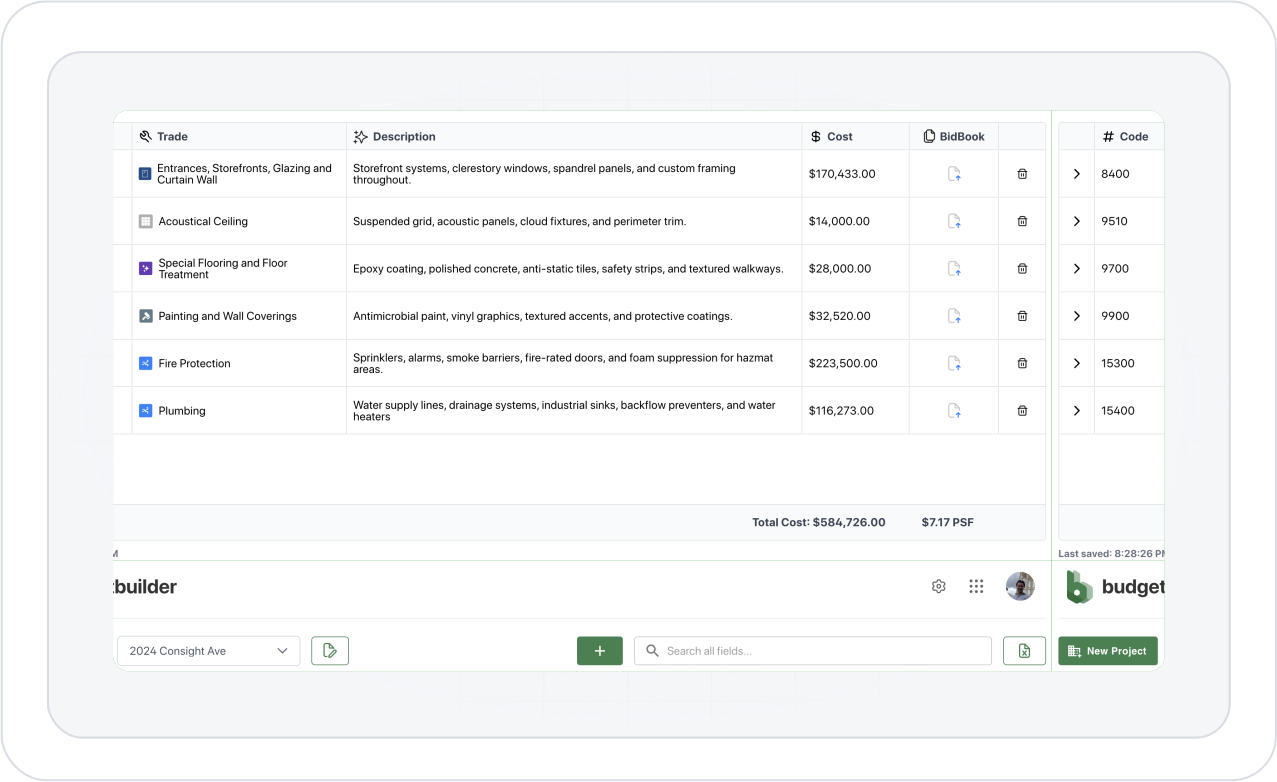
Award a bid package to your own company using the internal estimate rather than an external bidder.
Change Log
September 12, 2026
Award a bid package to your own company using the internal estimate rather than an external bidder.
September 9, 2026
Show the two lowest bidders and the pricing difference between them directly in the Bid Grid.
September 7, 2026
Show, hide, and reorder KPI cards including bids received, total packages, cost per story, and square footage metrics.
September 4, 2026
Detect when an uploaded file is likely a revision of an existing document and prompt users to review uncertain matches.
September 3, 2026
Open all files associated with a bidder or citation in one viewer and switch between them from a sidebar.
September 1, 2026
Open supporting bid or plan evidence directly beside the scope sheet while keeping your place.
August 29, 2026
Mark scope Included, Not Included, or Needs Review directly from an insight card.
August 27, 2026
Flag unusually high or low costs and quantities directly in bid comparisons.
August 26, 2026
Hide and reorder sections and save defaults across projects or the organization.
August 22, 2026
Drag bidder columns into any order for easier side-by-side comparison.
August 20, 2026
Undo or redo edits to rows, bids, comments, and annotations.
August 19, 2026
Select multiple rows and move them as a group.
August 16, 2026
Select spreadsheet-style cells and ranges and apply actions to selected rows.
August 14, 2026
Set rules that automatically update bid package statuses.
August 12, 2026
Create custom status names and colors.
August 11, 2026
Carry project discussion into exported bid comparison files.
August 8, 2026
Leave comments directly in the Bid Grid and @mention teammates.
August 6, 2026
Decide whether bidder data moves together with the scope.
August 6, 2026
Move an existing bidder from one bid package to another without rebuilding the bid.
August 3, 2026
Move selected scope into multiple packages at once.
August 1, 2026
Duplicate packages into another project and optionally carry the bids with them.
July 31, 2026
Reuse previous bid packages and optionally bring over their scope.
July 27, 2026
Import bidder-added scope items and plugs instead of losing them during sync.
July 25, 2026
Get notified when new bids are submitted to connected projects.
July 22, 2026
Keep bid revisions, attachments, awards, and supported project changes synchronized without overwriting Consight-side edits.
July 21, 2026
Edit a sent Connie message and regenerate the conversation from that point.
July 19, 2026
Drag and drop files directly anywhere into the Connie sidebar.
July 17, 2026
Have real-time, hands-free voice conversations with Connie.
July 14, 2026
Ask questions across project files and bid documents from one assistant.
July 14, 2026
Connie can answer from files that are ready while the rest continue processing.
July 12, 2026
Find files from global or project search and jump directly to their project or bid package.
July 9, 2026
Browse project files through a folder tree and open documents directly from the Files tab.
July 8, 2026
Organize project documents, bids, and bid packages in one dedicated Files workspace.
July 6, 2026
Share marked-up documents and export high-quality PDFs.
July 2, 2026
Add callouts anywhere across the document canvas.
June 30, 2026
Mark up plans and documents directly inside Consight.
June 29, 2026
Imported BuildingConnected bid forms appear directly within project scope workflows.
June 26, 2026
Create and edit bid forms once at the project level and reference them across scope sheets.
June 24, 2026
Watch AI-generated scope populate section by section instead of waiting for the entire run.
June 24, 2026
Generate bid forms from the full project document set before bids arrive.
June 21, 2026
Successful bids are preserved even if another bid fails, with retry controls for affected bids.
June 19, 2026
Watch Level Bids results appear as processing continues.
June 15, 2026
Use project context and construction terminology to improve scope matching.
June 14, 2026
Match equivalent scope even when bidders describe the same work differently.
June 12, 2026
Generate quantities and units from project documents with source references.
June 9, 2026
See who currently has the project open and jump directly to where they’re working.
June 8, 2026
See teammates’ cursors and names while working together in real time.
June 4, 2026
Track pricing changes across estimate versions with a visual trend chart.
June 2, 2026
See AI-generated summaries explaining what changed between estimate versions and why.
May 30, 2026
Save named estimate versions and revisit prior estimates as read-only snapshots.
March 12, 2025
v2.2
Project Templates: Save division lists as templates to start new projects instantly.
Indirect Costs: Add overhead, profit, and contingencies to your estimate.

March 9, 2025
v2.1.1
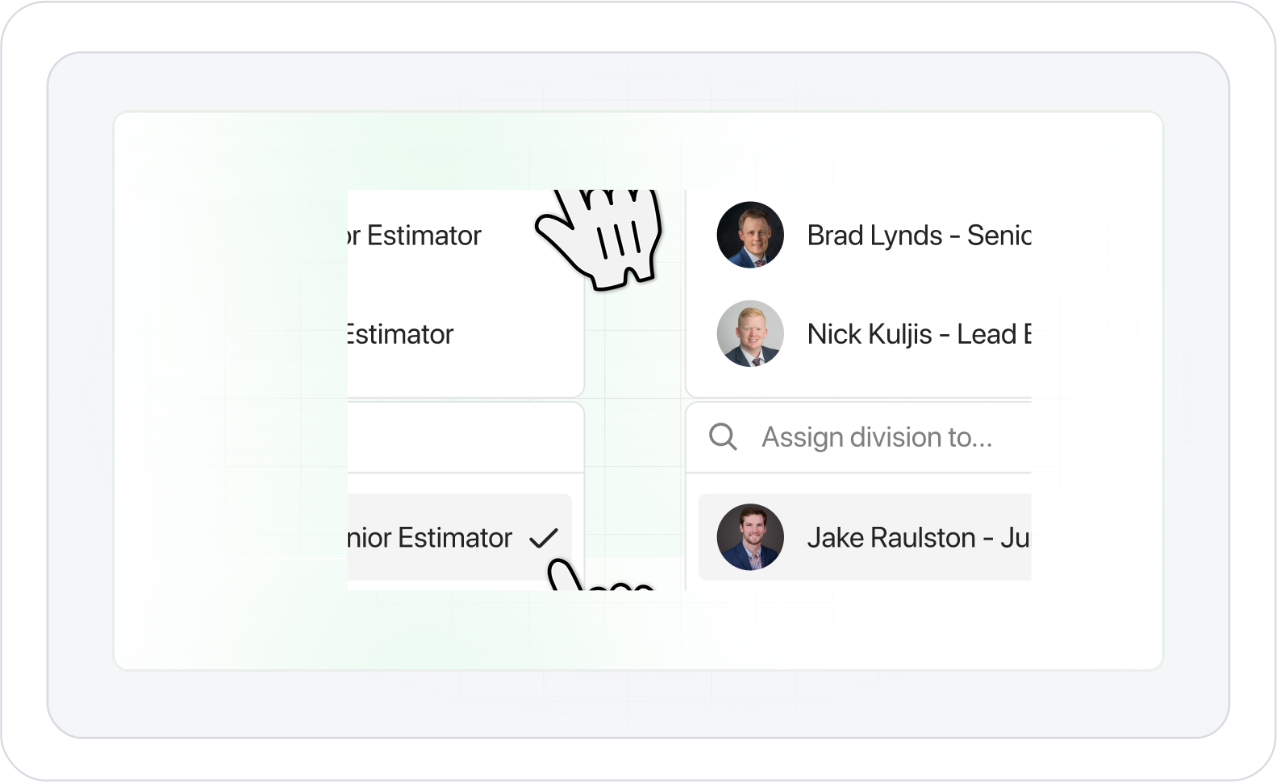
Divide & Conquer: Assign divisions to your team members and watch collaboration magic happen.
Click Less, Budget Faster: Create budgets in half the time. Fewer clicks, more efficiency.
Say Goodbye to Bad Bids: One-click disqualification lets you disqualify questionable bids with ease.
General Tune-Up: Bug fixes and performance improvements for a smoother, more reliable experience.
February 28, 2025
v2.1
Section Sorter: Organize your scope sheet with sections for alternates, exclusions, and more.
Division Auto-Add: Speed up your budget set-up with a new button: Auto-Add.

January 1, 2025
v2.0
Enhanced Worksheets: Completely redesigned interface for improved usability and data visualization
Advanced Bid Leveling: More accurate comparison and automated gap-filling for subcontractor bids
Intelligent Autocomplete: Automatically extract and populate quantities from bids to your scope sheet
File Manager: Keep all project documents organized and easily accessible in one place
Cost Code Manager: Create and implement custom cost codes to match your company’s structure
To-Do Lists: Track outstanding tasks to ensure nothing falls through the cracks
Team Workspaces: Collaborate seamlessly with team members on projects in real-time
September 17, 2024
v1.1
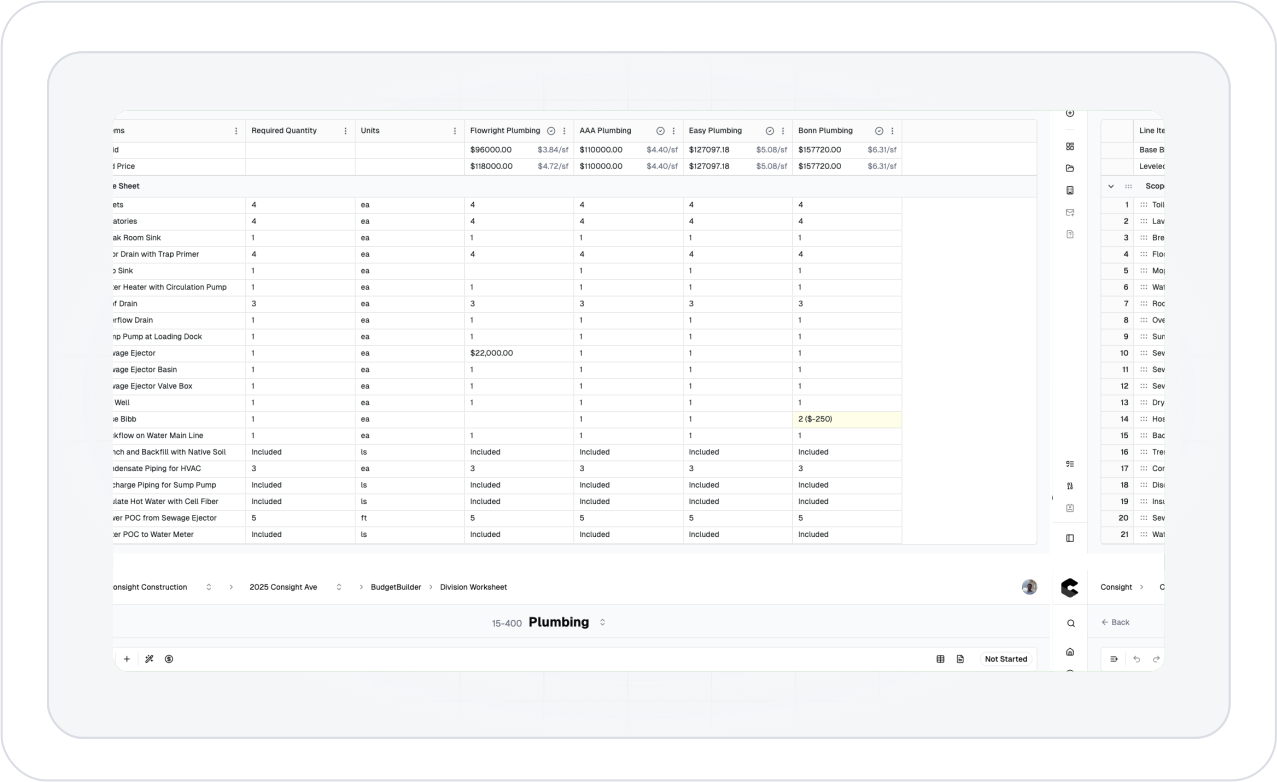
Cost estimates are displayed for line items denoted as “Not Included” by subs.
New row added for “Leveled Price,” summing the Contract Price and filled-in cost estimations.

September 13, 2024
v1.0
Added the ability to create and work with multiple projects.
Unveiled new BudgetBuilder logo.
Cosmetic changes.